Getting started · Wrench 0.16.11
Install Wrench and capture your first URL.
Wrench is an open-source CLI and TypeScript SDK for command-capable AI agents. Install the immutable release with Bun 1.3.14, synchronize its reviewed adapter manifests, run the local readiness doctor, then start with a public URL.
This guide describes v0.16.11 and was checked against the public source for that immutable release.
What you need
Wrench runs on macOS and Linux and requires Bun 1.3.14. The CLI does not include an AI model, planner, approval interface, or application shell. It supplies a capability and custody layer for an agent or application that can invoke commands.
A public page capture is the smallest useful first run. Authenticated providers add separate dependencies, account bindings, and contract requirements, so their commands remain unavailable until wrench doctor and the relevant capability report say they are ready.
1. Install the immutable release
bun add --global @hraness/wrench@0.16.11
wrench adapter sync-bundled --json
wrench doctor
The global install pins the public npm package to the release version shown above. adapter sync-bundled atomically installs the reviewed data manifests shipped by that exact package version. It upgrades an exact bundled baseline, including an older generation whose bytes later drifted, and preserves an independently modified current or newer install.
The matching GitHub tag and immutable Release bind the same checked source and package version. The Agent Skill remains available through skills.sh.
2. Inspect a page before saving it
wrench read https://example.com/articlewrench read returns a readable page result without persisting it. To save the page as durable Markdown in a configured knowledge base, pass the URL directly:
wrench https://example.com/articleUse only material you are authorized to access. Wrench does not bypass login, payment, access controls, or DRM. The capture and archives guide explains the difference between page capture and a verified media archive.
3. Ask the installed system what it can do
wrench capabilities --json
wrench plugin list --json
wrench platforms --json
wrench plugin doctor --json
wrench capabilities is the local source of truth. It reports the semantic operations that are installed and observed on this machine. A capture-required operation is an inert reservation, not partial support and not permission to improvise with a browser fallback.
Review the provider capability attestation before adding account credentials. It lists every bundled adapter operation and the reviewed completeness of that contract.
Watch one complete read
This silent 12-second demo typesets the output from a successful Wrench 0.13.5 run on August 25, 2026. wrench read fetches the public page, prints bounded Markdown, and does not add the result to a vault.
Reuse the animated GIF or PNG preview. Both show the same successful public-page read.
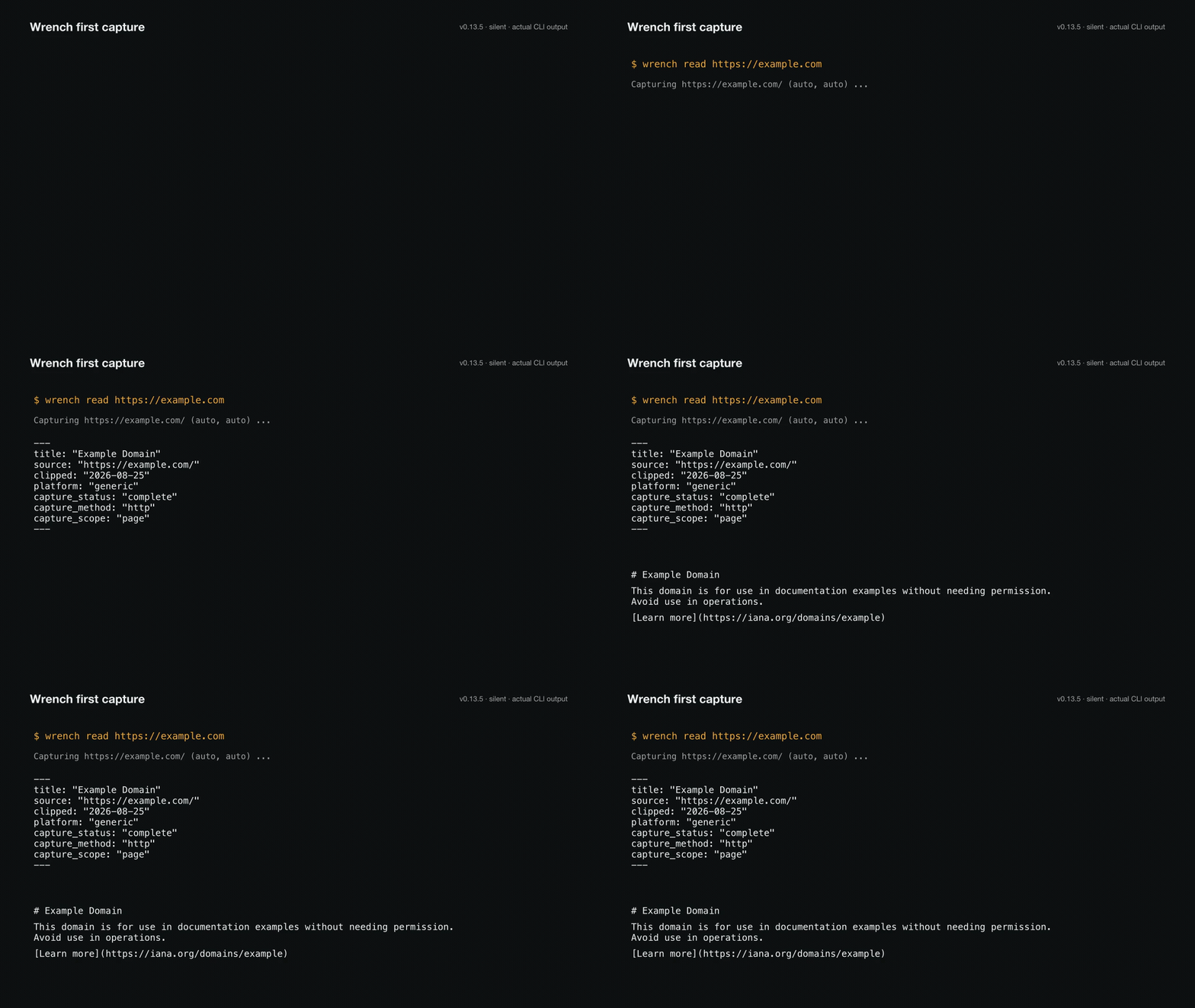
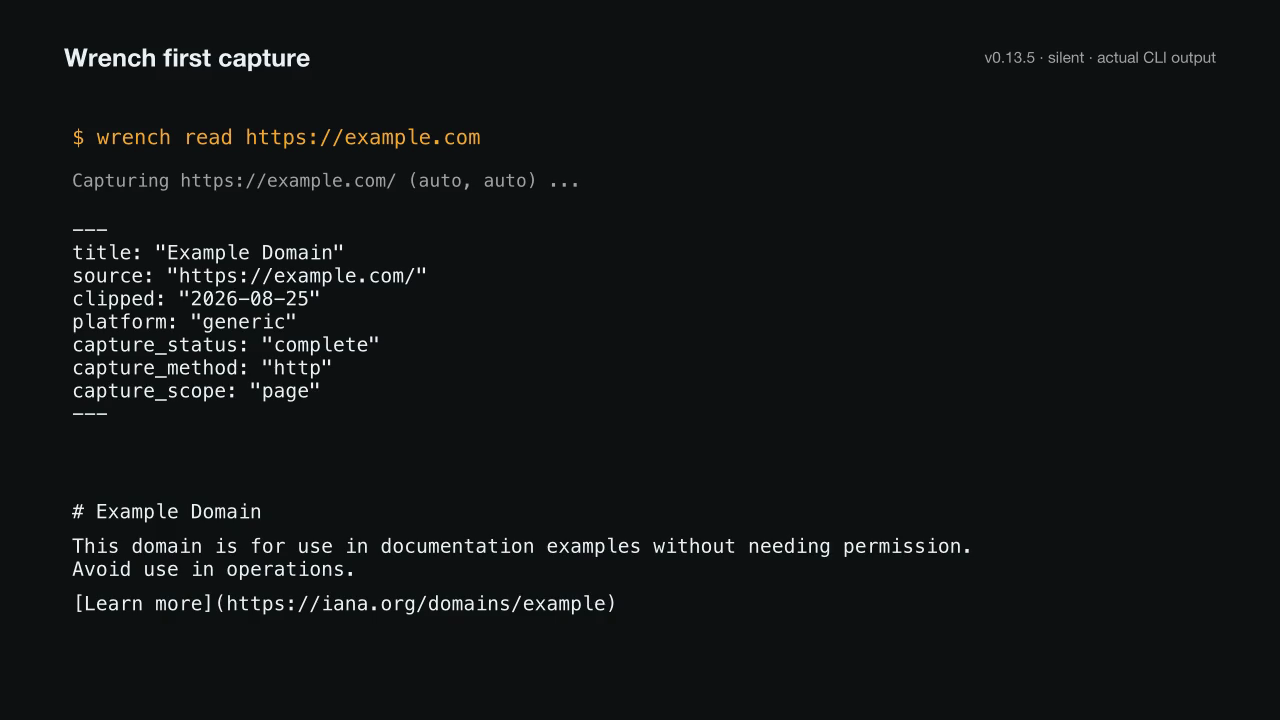
Read the demo transcript
$ wrench read https://example.com
Capturing https://example.com/ (auto, auto) ...
---
title: "Example Domain"
source: "https://example.com/"
clipped: "2026-08-25"
platform: "generic"
capture_status: "complete"
capture_method: "http"
capture_scope: "page"
---
# Example Domain

This domain is for use in documentation examples without needing permission. Avoid use in operations.

[Learn more](https://iana.org/domains/example)
4. Use Wrench from TypeScript
Applications can pin the same release and import its side-effect-free package entrypoints:
bun add @hraness/wrench@0.16.11import {
isProviderPluginId,
type ProviderPluginDefinitionV1,
} from "@hraness/wrench"
if (!isProviderPluginId(candidate.id)) {
throw new Error("invalid plugin ID")
}
const plugin = candidate satisfies ProviderPluginDefinitionV1The package has seven public TypeScript entrypoints: @hraness/wrench for plugin types and bounded validators, @hraness/wrench/client for persistent reads and strict live invocation, @hraness/wrench/beeper for body-free contact interactions, @hraness/wrench/apple-photos for local Photos contact evidence, @hraness/wrench/whatsapp for the bounded private Message Like Me export, @hraness/wrench/omni for normalized cross-provider reads, and @hraness/wrench/messaging for agentic route discovery and resolution. Importing any entrypoint does not start the CLI. Importing the package root also does not inspect local state.
Wrench developer resources
These are the current public Wrench developer resources for the CLI, TypeScript SDK, Agent Skill, and provider plugin workflow. Wrench does not publish a hosted API, OpenAPI description, OAuth developer portal, webhook catalog, or MCP server.
- Install the
@hraness/wrenchCLI and TypeScript SDK from npm - Install the Wrench Agent Skill from skills.sh with
npx skills add hraness/wrench#v0.16.11 - Capture URLs and create verified media archives
- Watch and download the first-capture demo
- Provider capability attestation
- Security and local custody
- Author and verify provider plugins
- Source, issues, and release tags
- Plugin protocol guide for v0.16.11
- Agent site guide (llms.txt)